Digital Signage for Retail: Boost Sales by 32% with Smart Displays
Learn how retailers are using digital signage to increase sales by up to 32%. Case studies, content strategies, and implementation guide for retail displays.
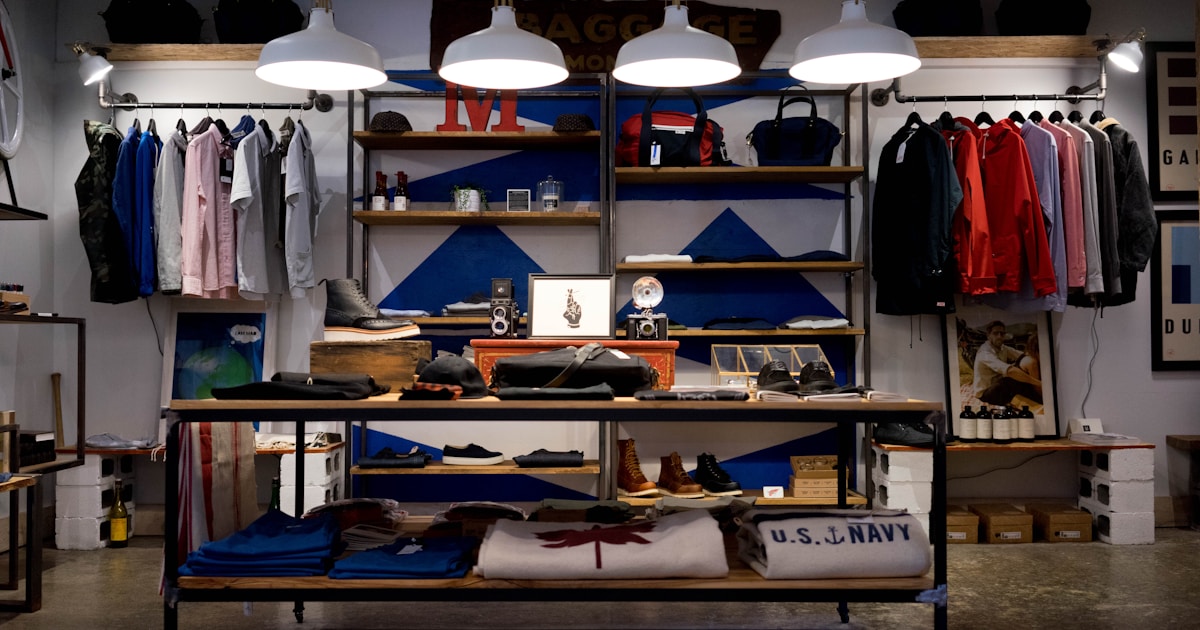
Retail digital signage delivers an average 32% increase in sales according to industry research. In this comprehensive guide, we explore how leading retailers use digital displays to drive revenue, enhance customer experience, and build brand loyalty.

The Business Case for Retail Digital Signage
Before investing in digital displays, retailers need to understand the ROI potential. Research consistently shows impressive results:
| Metric | Average Improvement |
|---|---|
| Sales Increase | 32% |
| Brand Awareness | 47.7% improvement |
| Customer Dwell Time | 30% increase |
| Perceived Wait Time | 35% reduction |
| Message Recall | 83% vs 20% for static |
| Impulse Purchases | 19% increase |
According to Grand View Research, retail dominated the digital signage market in 2024, driven by intense competition and the need for effective marketing strategies.
Types of Retail Digital Signage
1. Window Displays
High-brightness screens facing outward capture foot traffic and draw customers inside. These displays work 24/7, promoting sales even when the store is closed.
Best practices:
- Use high-brightness displays (2,500+ nits) for visibility in sunlight
- Keep messaging simple—viewers have 3-5 seconds
- Update content for time-sensitive promotions
- Include clear calls-to-action
2. In-Store Promotional Displays
Strategically placed screens throughout the store promote products, highlight deals, and cross-sell related items.

Placement strategies:
- End caps: High-visibility locations at aisle ends
- Point of sale: Promote last-minute add-ons
- Department entrances: Category-specific content
- Dressing rooms: Suggest accessories and alternatives
3. Interactive Kiosks
Touch-enabled displays let customers browse inventory, check prices, and find product information independently.
Use cases:
- Product catalog browsing
- Store wayfinding
- Loyalty program sign-ups
- Order placement for out-of-stock items
4. Digital Price Tags
Electronic shelf labels (ESL) enable instant price updates across the entire store, ensuring accuracy and enabling dynamic pricing strategies.
5. Video Walls
Large-format video walls create dramatic visual impact for flagship stores and brand experiences.
Related: Video Wall Setup: Planning to Installation
Content Strategies That Drive Sales
1. Dynamic Promotions
Unlike static signs, digital displays can show different promotions throughout the day:
- Morning: Coffee and grab-and-go items
- Lunch: Quick meal deals
- Afternoon: Snacks and beverages
- Evening: Dinner solutions and family meals
2. Social Proof
Display customer reviews, social media feeds, and user-generated content to build trust:
- Live Twitter/Instagram feeds with branded hashtags
- Customer review highlights
- Star ratings for featured products
- "Trending now" product showcases
3. Urgency and Scarcity
Create FOMO (fear of missing out) with time-sensitive content:
- Countdown timers for flash sales
- "Only X left in stock" alerts
- Limited-time offers with expiration times
- "Today only" promotions

4. Cross-Selling and Upselling
Suggest complementary products based on location and context:
- Display accessories near main products
- "Customers also bought" recommendations
- Bundle deals and combo offers
- Premium alternatives and upgrades
Real-World Case Studies
Case Study 1: Fashion Retailer
A mid-sized fashion chain deployed digital displays in fitting rooms showing styling suggestions and accessory recommendations.
Results:
- 38% increase in accessory sales
- 22% reduction in fitting room wait times (customers ready faster)
- 15% increase in average transaction value
Case Study 2: Electronics Store
A consumer electronics retailer replaced static promotional posters with dynamic digital displays throughout the store.
Results:
- 27% increase in promoted product sales
- 45% reduction in print costs
- Real-time inventory integration reduced out-of-stock promotions to zero
Case Study 3: Grocery Chain
A grocery chain implemented digital displays at end caps and checkout lanes.
Results:
- 21% increase in impulse purchases
- 35% improvement in vendor advertising revenue
- Instant price updates during sales events
Implementation Guide
Step 1: Define Your Goals
What do you want to achieve? Common retail objectives:
- Increase sales of specific products
- Promote seasonal offers
- Reduce perceived wait times
- Enhance brand experience
- Generate vendor advertising revenue
Step 2: Choose Locations
Map your customer journey and identify high-impact touchpoints:
- Store entrance (welcome, today's deals)
- High-traffic aisles
- Decision points (where customers pause)
- Checkout (last-minute add-ons)
Step 3: Select Hardware
Match display type to environment:
| Location | Recommended Display |
|---|---|
| Window | High-brightness (2,500+ nits) |
| Indoor | Commercial-grade 43-55" |
| End cap | Portrait-oriented 32-43" |
| Checkout | 10-15" with media player |
Step 4: Choose Your CMS
Select a digital signage platform that offers:
- Easy content updates (no IT required)
- Scheduling and dayparting
- Remote management
- Analytics and reporting
Platforms like Spot offer free tiers to get started without upfront investment.
Step 5: Create Content
Follow content best practices:
- Keep text minimal (7 words or fewer per message)
- Use high-contrast colors
- Include clear calls-to-action
- Use professional product photography
- Plan for 10-15 second content loops
Related: 50+ Digital Signage Content Ideas
Measuring Success
Track these KPIs to measure your digital signage ROI:
- Sales lift: Compare promoted product sales before/after
- Foot traffic: Monitor store visits during campaigns
- Dwell time: How long customers spend in display areas
- Conversion rate: Purchases vs. store visitors
- Average transaction value: Track basket size changes
Common Mistakes to Avoid
- Too much text: Customers won't read paragraphs—keep it simple
- Stale content: Update regularly or screens become invisible
- Poor placement: Screens no one can see waste investment
- No analytics: Without data, you can't optimize
- Ignoring audio: In quiet stores, video without sound can feel incomplete
Conclusion
Retail digital signage offers proven ROI—32% average sales increase—when implemented strategically. Start with clear goals, choose high-impact locations, and create content that engages your customers.
Ready to transform your retail space? Start free with Spot and deploy your first display today.
Related Resources: