Corporate Digital Signage: Transform Internal Communications
How leading companies use digital signage for employee engagement, visitor management, and real-time KPI dashboards. Complete corporate implementation guide.
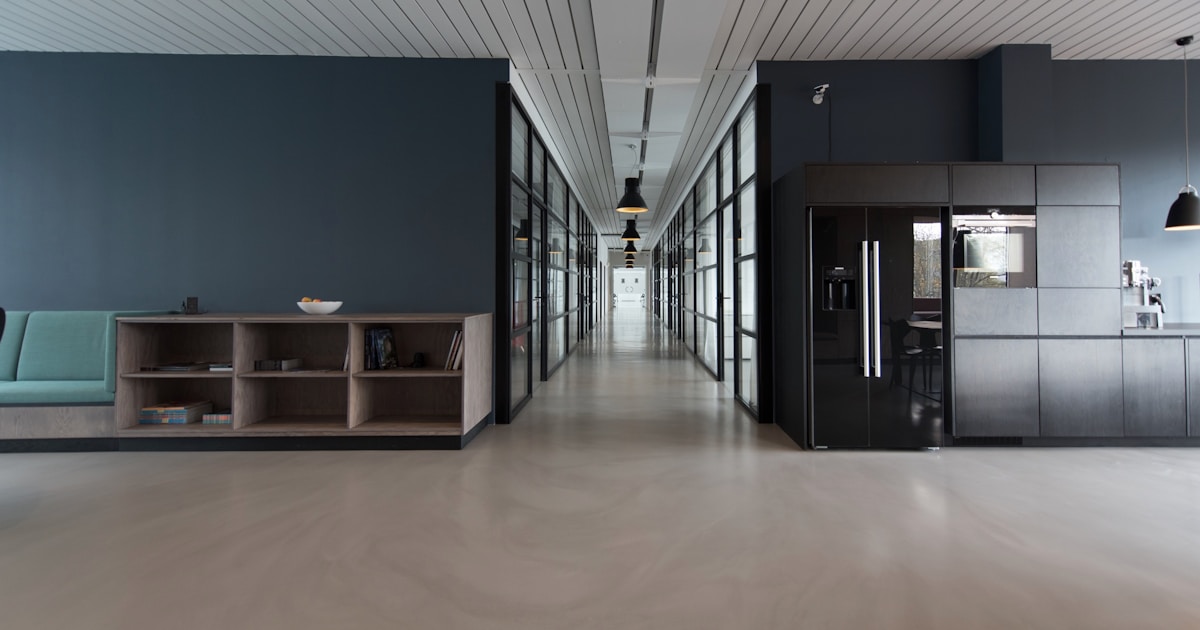
Corporate digital signage transforms how organizations communicate with employees, visitors, and stakeholders. From lobby welcome screens to real-time KPI dashboards, digital displays are becoming essential infrastructure for modern workplaces. Here's your complete guide to implementing corporate digital signage.
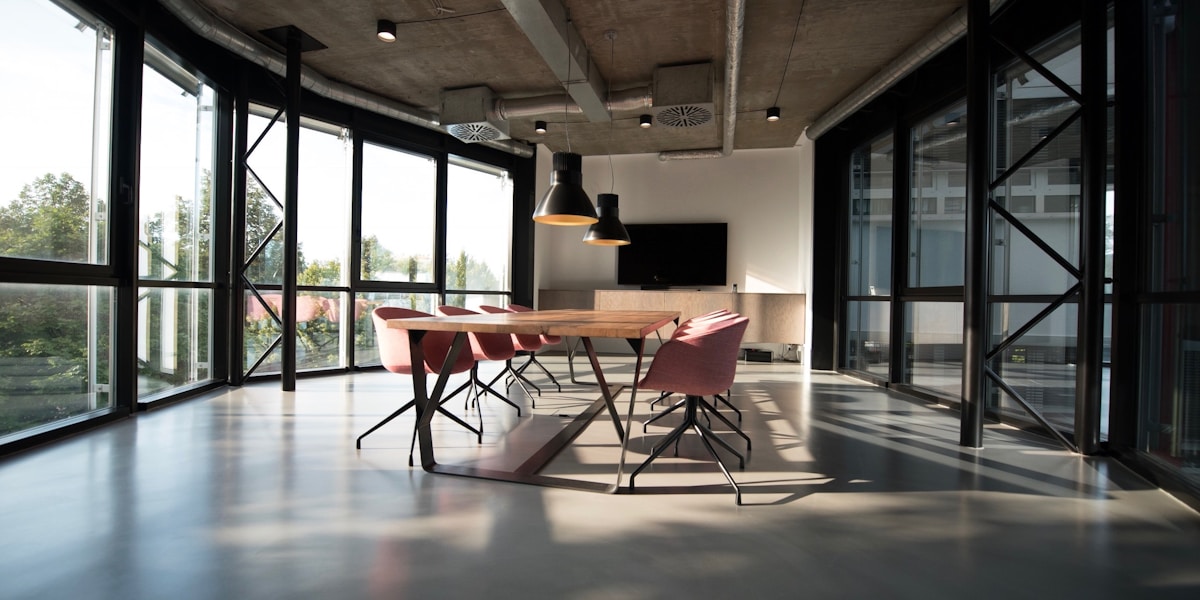
Why Corporate Organizations Need Digital Signage
According to Gallup research, only 36% of employees are engaged at work. Effective internal communication is one of the most powerful drivers of engagement—and digital signage delivers messages where employees actually see them.
Key benefits:
- 5x higher message retention compared to email
- Reaches deskless workers who don't check email regularly
- Real-time updates for time-sensitive information
- Consistent messaging across all locations
- Professional visitor experience that reinforces brand
Key Applications for Corporate Digital Signage
1. Employee Communications Hub
Digital displays in common areas ensure important messages reach everyone:
- Company announcements and news
- HR policy updates
- Benefits enrollment reminders
- Training opportunities
- Safety reminders and compliance information
- Event calendars
Best placement: Break rooms, cafeterias, elevator lobbies, main corridors
2. Employee Recognition and Culture
Celebrate achievements to boost morale and reinforce company values:
- Work anniversaries and birthdays
- Sales achievements and top performers
- Customer appreciation shout-outs
- Team accomplishments
- Community service highlights
- New hire welcomes

3. Real-Time KPI Dashboards
Make data visible to drive performance:
- Sales targets and progress
- Production metrics
- Customer satisfaction scores
- Website traffic and conversions
- Support ticket status
- Shipping and fulfillment stats
Integration options:
- Direct API connections to CRM, ERP, and analytics platforms
- Power BI and Tableau dashboard embedding
- Google Sheets for simple real-time updates
- Custom data feeds via webhooks
4. Meeting Room Displays
Eliminate scheduling confusion with room status displays:
- Current meeting and organizer
- Time remaining
- Upcoming reservations
- Room availability status (color-coded)
- Quick book functionality for available rooms
Integrations:
- Microsoft 365 / Outlook
- Google Workspace
- Room booking systems (Robin, Envoy, etc.)
5. Visitor Management
Create professional first impressions:
- Welcome screens: Personalized greetings for scheduled visitors
- Check-in kiosks: Self-service visitor registration
- Wayfinding: Directions to meeting rooms
- Brand storytelling: Company history and achievements
- Real-time information: Weather, news, local transit

6. Emergency and Safety Communications
Instant facility-wide alerts when seconds matter:
- Fire and evacuation alerts
- Severe weather warnings
- Security lockdown instructions
- IT system outage notifications
- Facility closure announcements
Digital signage can override all regular content with emergency messages instantly across all displays.
7. Cafeteria and Amenity Displays
- Daily menu with nutritional information
- Specials and promotions
- Fitness class schedules
- Wellness tips and programs
- Building amenity hours
Content Strategy for Corporate Signage
The 60-30-10 Rule
Balance your content mix for maximum engagement:
- 60% Informational: Company news, metrics, schedules
- 30% Cultural: Recognition, celebrations, values
- 10% Entertainment: Trivia, quotes, wellness tips
Content Refresh Frequency
| Content Type | Refresh Frequency |
|---|---|
| Breaking news/alerts | Immediately |
| KPI dashboards | Real-time or hourly |
| Daily content (menus, weather) | Daily |
| Recognition and celebrations | Weekly |
| Company announcements | As needed |
| Evergreen content | Monthly review |
Multi-Location Considerations
For organizations with multiple offices:
- Global content: Company-wide news and branding
- Regional content: Location-specific announcements
- Local content: Building-specific information
- Time zone handling: Schedule content appropriately
Implementation Roadmap
Phase 1: Foundation (Weeks 1-4)
- Audit current communications: What channels exist? What's working?
- Define objectives: Employee engagement? Visitor experience? Both?
- Identify locations: Map high-traffic areas and key touchpoints
- Select platform: Choose a CMS that meets your needs
Phase 2: Pilot (Weeks 5-8)
- Deploy 3-5 screens in high-visibility locations
- Create initial content with mix of information types
- Gather feedback from employees and visitors
- Refine content strategy based on engagement
Phase 3: Expansion (Weeks 9-16)
- Roll out to additional locations based on pilot learnings
- Integrate data sources for real-time dashboards
- Train content contributors across departments
- Establish governance and approval workflows
Technology Stack Recommendations
Displays
| Location | Recommended Size | Features |
|---|---|---|
| Lobby/Reception | 55-75" | 4K, slim bezel, commercial grade |
| Conference rooms | 10-15" | Touch optional, calendar integration |
| Break rooms | 43-55" | Commercial grade, anti-glare |
| Corridors | 32-43" | Portrait or landscape, slim mount |
Media Players
Options for corporate environments:
- Android TV boxes: Cost-effective for most use cases
- Fire TV Stick: Easy deployment at scale
- Browser-based: Run on existing hardware
- Commercial players: BrightSign for high-reliability needs
CMS Platform
Look for these features in corporate deployments:
- Role-based access control
- Content approval workflows
- Active Directory/SSO integration
- API access for data integration
- Multi-location management
- Emergency override capabilities
Spot offers all these features with plans starting at $0 for 2 screens.
Measuring ROI
Track these metrics to demonstrate value:
- Employee engagement surveys: Communication satisfaction scores
- Email open rates: Compare before/after digital signage
- Event attendance: Participation in promoted activities
- Meeting room utilization: Reduced no-shows and conflicts
- Visitor feedback: Lobby and check-in experience ratings
- Time savings: Reduced questions to reception/HR
Common Challenges and Solutions
| Challenge | Solution |
|---|---|
| Stale content | Assign content owners, set refresh schedules |
| IT resistance | Use cloud-based CMS, minimal infrastructure |
| Budget constraints | Start with free tier, prove ROI before expanding |
| Content creation | Use templates, employee-generated content |
| Low engagement | Mix informational with entertaining content |
Conclusion
Corporate digital signage is a strategic investment in employee engagement and organizational communication. Start with a focused pilot, measure results, and expand based on demonstrated value.
Ready to transform your corporate communications? Start free with Spot and deploy your first screens today.
Related Resources: